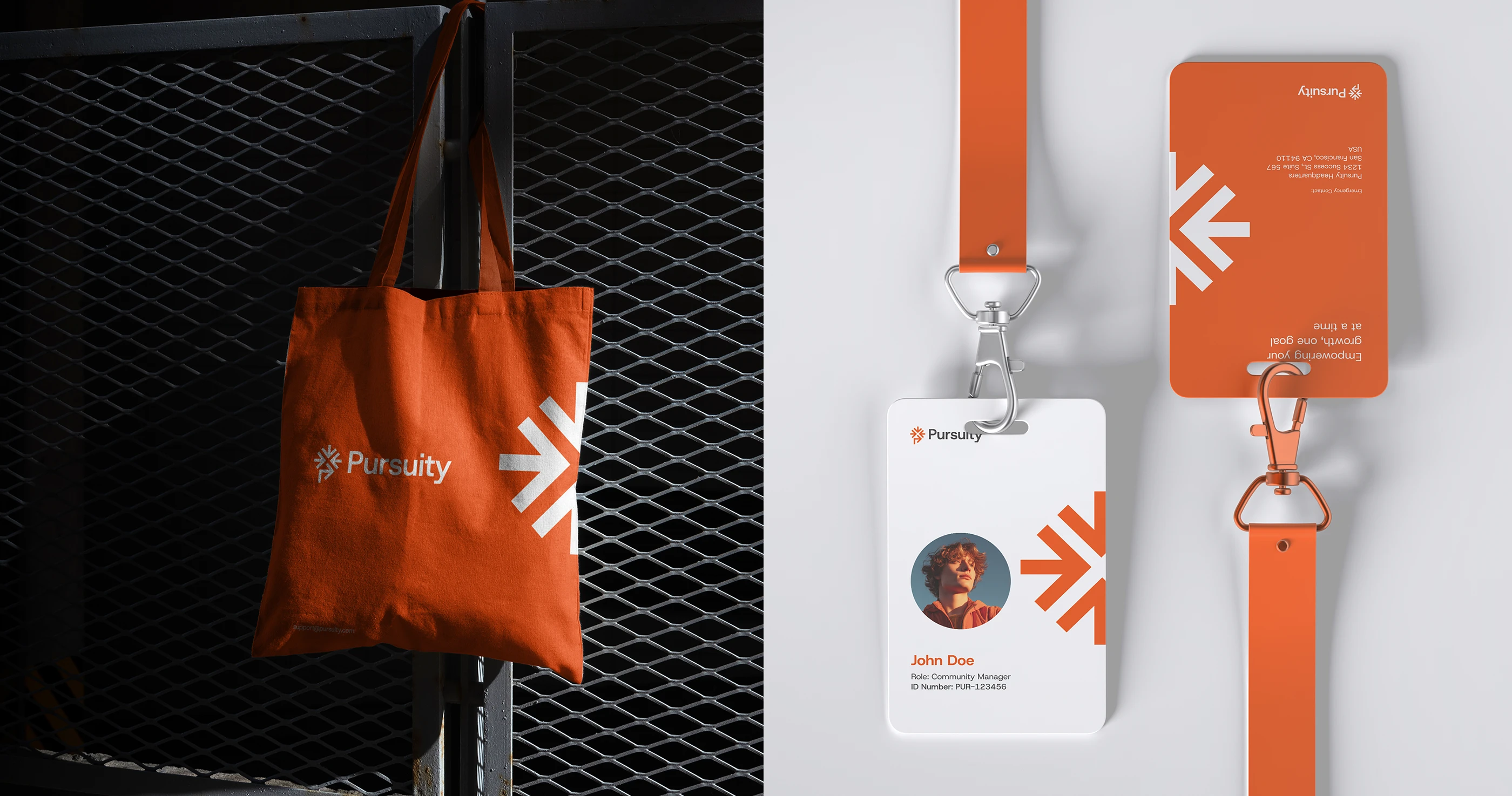
An employee merchandise store is a private online store where employees order branded merchandise from a catalog the company has approved. It is also called a company store, an employee store or a company swag store. Employees sign in, choose items and sizes, and pay with a card, a company budget or credits, and orders ship to their home or office. This guide covers the types of company stores, how large companies run them across many locations, departments and brands, what one costs, and how to launch one. To see how Brandmerch builds them, start with our company store platform.
What an employee store or company swag store is
An employee merchandise store is a branded storefront that only your people can use. It holds the products your brand team has approved, with the correct logo, colors and placement, and nothing else. It replaces the order forms, spreadsheets, shared inboxes and closets of leftover shirts that most companies rely on before they have one.
Whatever it is called, it is an online company store with rules about who can order, what they can order and who pays.
The store itself is a website. What makes it work for a large company is what sits behind it:
- An approved catalog: Only brand-approved products, in approved colors, with the correct artwork.
- Payment options: Employees pay by card, spend a budget or allowance, or use credits the company has loaded for them.
- Budgets and approvals: Each team or location spends against its own budget, and orders above a set amount wait for an approver.
- Inventory: Orders pull from stored inventory or start production automatically, with no manual handoff.
- Tax handling: Sales tax and VAT are handled automatically.
- Reporting: Analytics show orders, spend and top products by store, team and location.
Who runs a company store
In a large company, the employee store usually has one owner and many users. The owner sets the catalog, budgets and rules. Everyone else orders within them.
- HR and people teams run onboarding stores, recognition and anniversary allowances, and the year-round employee store.
- Marketing and brand teams own the catalog and logo use, and run stores for launches, events and campaigns.
- Sales teams order client gifts and event giveaways from an approved selection.
- Office and location managers order uniforms, local event items and restocks for their site, from a store with its own budget.
- Franchise, affiliate and partner programs give each franchisee, affiliate or partner a store where they buy approved branded products at set prices.
- Procurement and finance set payment terms, approval rules and the reports they need for cost allocation.
If several of these teams buy merch separately today, the guide to managing a merch program covers how to split ownership between them.
Types of company stores
Most large companies run more than one store. Each has its own audience, payment model and stock model. These are the common types, and all of them can run as company storefronts from one account.
Employee swag store
The year-round company swag store. Employees order apparel, drinkware, bags and desk items for themselves, paying by card or from an allowance. This is usually the first store a company launches, and the one most people mean when they say employee store.
Onboarding and new-hire store
Each new hire gets credits to choose welcome items in their own size and enter their own address. Connected to your HRIS, a new hire record can grant access and credits automatically, so remote hires get the same welcome as people in the office. The employee welcome kits guide covers what to put in the box.
Credits and allowance store
The company loads credits for each person or team, and employees spend them in the store. This suits recognition programs, work anniversaries, holiday gifts and team budgets. Usage is tracked, and credits can be allocated by team.
Event pop-up store
A temporary storefront for a conference, product launch, offsite or customer event. Attendees use a code to choose a gift, and the store closes when the event ends. Event pop-up shops replace the boxes of giveaways that get shipped to a venue and shipped back half full.
Partner, affiliate and franchise store
A store for outside businesses that carry your brand. Affiliates, franchisees and partners buy approved branded products and pay by card at checkout. Each group can have its own store, catalog and pricing.
Internal ordering store for locations
Internal wholesale ordering gives every office, branch, store or site one central catalog of brand-approved merchandise at wholesale pricing. Location managers reorder uniforms, giveaways and local event items without contacting a vendor, and spend is tracked by location.
Gift catalog
An interactive gift catalog is a catalog-style store with a built-in cart, used for gift selections. Instead of guessing what a client or employee wants, you send them a curated catalog and they pick. The corporate gifting page covers client and employee gifting programs.
Pre-order campaign
A store that collects orders before production. Ordering opens for a set period, then closes, and the full quantity is produced at once. Pre-order campaigns suit limited releases, team apparel, anniversary items and anything where demand is hard to predict.
Company stores for many locations, departments and brands
A company with one office can run one store. A company with dozens of locations, several departments and more than one brand needs structure, or each group ends up with its own vendor and its own store again.
The setup that works at that size:
- Separate stores, one platform: Each brand, region, location or audience gets its own branded storefront, with its own look, catalog and custom domain. All of them run from one account, and you design each one with a no-code editor.
- One catalog underneath: Products are approved once and published to the stores that need them, so every store shows the same approved version of each product.
- One inventory: Stores draw from shared stored inventory, so stock bought for one program is available to every store allowed to sell it.
- Budgets per department or location: Each group has a budget for the month, quarter or year, and spend is tracked against it.
- Credits allocated by team: Load credits once and allocate them by team, store or person.
- Approvals: Orders above a threshold, or over budget, wait for an approver before they are released.
- Single sign-on: Employees sign in with their company login, and access ends when they leave.
- HRIS connection: New hires get store access and onboarding credits automatically.
- Reporting: Finance gets one total for the whole program, and each department, location and store gets its own number.
For programs at this scale, see Brandmerch for enterprise.
Stocked inventory, print-on-demand and pre-orders
Every company store has to decide where a product comes from when someone orders it. There are three models, and most stores use more than one.
Stocked inventory
You buy products ahead of time, they are stored, and orders ship from stock. This model suits core items that sell steadily, onboarding kits and anything that has to arrive quickly. You carry the cost of the stock and need to watch sizes. Brandmerch stores your inventory and connects it to every store, so a store order pulls from stock without anyone re-entering it. See merch storage and fulfillment for how stored inventory works.
Print-on-demand
Items are produced when they are ordered, so no stock is held. This suits long-tail items, wide size ranges and stores where demand is hard to forecast. Unit costs are usually higher than buying in bulk, and delivery usually takes longer than shipping from stock.
Pre-order
The store collects orders for a set period, then the total quantity is produced at once. This suits limited releases, team apparel and anniversary items. You produce only what people ordered, which cuts leftover stock.
One employee merchandise store can offer all three side by side: ready-to-ship items, items produced on demand and pre-order items. The print-on-demand vs. bulk ordering guide covers the trade-offs in more detail.

What a company store costs
The cost of an employee merchandise store comes from a few separate parts. Ask every provider to price each one on its own line so you can compare them.
| Cost | What it covers | How it is usually charged |
|---|---|---|
| Platform | The account, users, budgets, approvals and reporting | Monthly or annual subscription |
| Stores | Each live storefront | Per store, per month |
| Products | The merchandise, including printing | Per item, by product and quantity |
| Storage | Holding stocked inventory | Monthly, by volume or weight |
| Fulfillment and shipping | Getting each order out the door, plus postage | Per order, plus postage |
| Tax | Sales tax and VAT on orders | Calculated at checkout by destination |
| Design and setup | Store design, catalog and artwork | Included by some providers, quoted by others |
Brandmerch pricing for company stores
- Procurement: $19.99 a month per company, with unlimited same-domain buyers and a 14-day free trial (card required).
- Business: $249 a month, or $199 a month billed annually. Adds approval workflows, unlimited manager seats and dedicated design and product support, and waives the Stockroom base fee.
- Enterprise: Custom pricing. Adds unlimited storefronts, custom approval workflows and budgeting, outside vendors and products, multiple stockrooms, print-on-demand options, custom branding and a dedicated URL.
- Storefronts: $99 per storefront per month, with a custom domain for every storefront. Storefronts require Stockroom.
- Stockroom: $85 a month base, plus metered storage by weight. The base fee is waived on Business.
Product cost depends on what you put in the store, and each product page shows its own pricing. See pricing for full plan details.
Company store platform vs. Shopify vs. a distributor webstore
Companies looking for an online company store usually compare three options: a Shopify store, a webstore from their promotional products distributor, or a company store platform built for internal programs.
| Shopify store | Distributor webstore | Company store platform (Brandmerch) | |
|---|---|---|---|
| Built for | Selling to consumers | Ordering from that distributor | Employee, location, partner and gifting programs |
| How orders are paid | Buyer pays at checkout | Varies by distributor | Card, budgets, credits or company billing |
| Budgets and approvals | Needs apps or custom work | Varies by distributor | Built in |
| Employee sign-in | Customer accounts | Varies by distributor | Single sign-on with the company login |
| Products | Whatever you source and list | That distributor's catalog | 575 brands, custom manufacturing and your current vendors |
| Inventory | You or a separate warehouse | Held by the distributor, if offered | Shared stockroom, print-on-demand and pre-orders |
| Many stores | Usually a separate store to manage for each | Often one store per program | Every store from one account |
| Reporting | Sales reports | Varies by distributor | Spend and orders by store, team and location |
Shopify works well for selling merch to the public. For an employee store, most of the work is in budgets, approvals, sign-in and inventory, and Shopify needs extra tools for each. The Shopify vs. Brandmerch guide goes through it line by line. A distributor webstore can work for one program, but it limits you to one catalog, and adding a second distributor usually means a second store.
How to launch a company store
Most of the work in launching an employee merchandise store is setting the rules: who orders, who pays and who approves. Work through these steps in order.
- Pick the audience and store type. Start with one: usually the employee swag store or the onboarding store.
- Decide who pays. Employee card, department budget, credits, or a mix. Set the budget period.
- Build the catalog. Choose approved products, sizes and colors. Add the items you already buy from current vendors.
- Choose the inventory model for each product. Stock core items, put long-tail items on print-on-demand, and use pre-orders for limited runs.
- Set access. Turn on single sign-on, or restrict the store to your company email domain. Use codes for event and gift stores.
- Set budgets and approvals. Give each team or location a budget and set the amount above which orders need approval.
- Design the store. Use the no-code editor to match your brand, and connect a custom domain.
- Stock it or open pre-orders. Get core items into inventory before launch so the first orders ship from stock.
- Connect your systems. Link your HRIS so new hires get access and credits automatically.
- Announce it and review the numbers. Tell employees where the store is, then check analytics monthly for top sellers, low stock and spend by team.
Once the first store is running, add the next one, such as a location ordering store or a partner store, on the same account. It uses the same catalog, inventory and reports.
Keeping your current vendors and products
Moving to a company store platform does not mean replacing every supplier. With Brandmerch, you can transfer the vendors and products you already use into your account and manage everything in one place.
- Your vendors: Products stay connected to their original vendors, so reorders and restocks go back to the same source as inventory runs low.
- Your products: Items you already buy go into your catalog and can be published to any store.
- Your stock: Inventory you already hold can be moved into the stockroom and counted with everything else.
Then add what you need: custom manufacturing, every kind of printing and products direct from 575 brands, since Brandmerch works directly with brands. The guide to consolidating merch vendors covers the full move, including a 90-day plan.
Employee merchandise store FAQ
What is the difference between an employee store and a company store?
Usually none. Both terms describe a private branded store for a company's own people. Some companies use "company store" more broadly to include stores for partners, affiliates and customers, and "employee store" for the internal one.
How much does an employee merchandise store cost?
Expect a platform fee, a fee per store, product cost, and storage and shipping if you hold stock. On Brandmerch, plans start at $19.99 a month, storefronts are $99 per storefront per month and require Stockroom ($85 a month base plus storage, base waived on Business), and Enterprise includes unlimited storefronts at custom pricing.
Can employees use a budget or credits instead of paying?
Yes. You can load credits for each person or team, set a budget per department or location, or let employees pay by card. Many stores use credits for onboarding and recognition and card payment for everything else.
Can we run a separate company store for each location or brand?
Yes. Each location, region, brand or audience can have its own store with its own catalog, budget and custom domain, all managed from one account and drawing from one inventory.
Do we have to hold inventory to run a company store?
No, not every product has to be stocked. Brandmerch storefronts run on Stockroom, but each product can ship from stock, be produced on demand or run as a pre-order, and one store can mix all three.
Does the store handle sales tax and VAT?
On Brandmerch, sales tax and VAT are handled automatically at checkout, with no manual setup, reporting or ongoing maintenance.
Can partners, affiliates or customers order from our company store?
Yes. Run a separate store for each outside audience, with its own catalog and pricing, and accept card payment at checkout.
Can we keep our current merch vendors?
Yes. Transfer your current vendors and products into Brandmerch and manage them alongside everything else. Products stay linked to their original vendors for reorders.
See how Brandmerch runs branded storefronts for employees, locations and partners, explore enterprise and fulfillment, compare plans, or contact Brandmerch to plan your first store.